A phone can feel like a small piece of reassurance when you are walking to your car, meeting someone new, or simply feeling uneasy. AI safety alerts can add another layer of support by helping you notify people you trust quickly and discreetly. But an alert is not magic, and it should never be presented as a substitute for emergency services, awareness, or a real safety plan.
Used honestly, this technology can reduce the friction between a moment of concern and asking for help. That matters. When someone is scared, overwhelmed, or trying not to draw attention to themselves, even finding a contact, typing a message, and explaining what is happening can feel like too much.
What AI safety alerts are designed to do
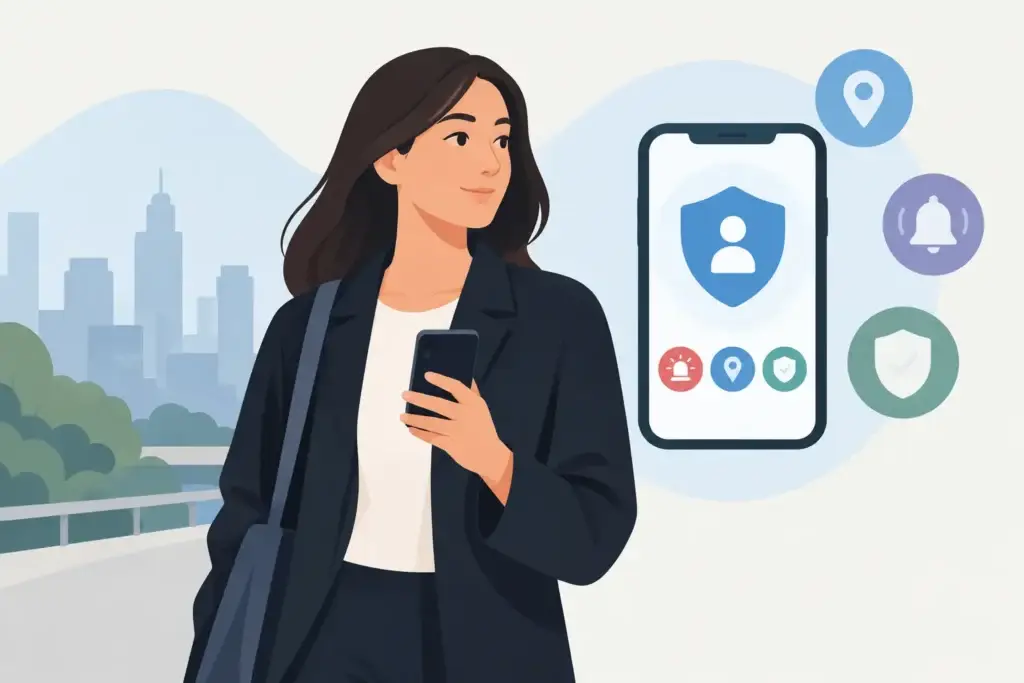
AI safety alerts are tools that use a phone’s features – such as voice recognition, location services, contacts, and messaging – to make it easier to notify selected people during a concerning situation. Depending on the product and settings, an alert may send a preset message, share a current location, or do both.
The useful part is not that AI makes a phone all-knowing. It does not. The value is that a well-designed tool can reduce steps at the moment you need support most. A voice-triggered or discreetly activated alert may be faster than unlocking a phone, opening messages, choosing recipients, and trying to find the right words.
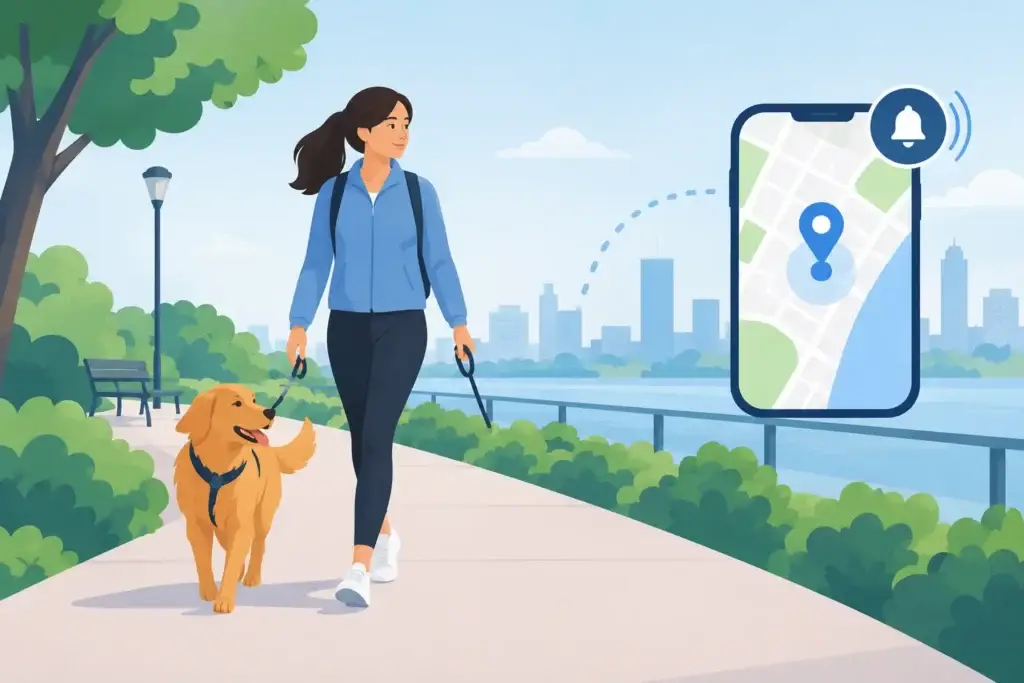
For many people, the most meaningful use is not a dramatic emergency. It is the quiet in-between: a late walk from work, a rideshare that feels off, a first date, an unfamiliar parking garage, or a moment when you want someone to know where you are without making a scene.
A safety alert should connect you to people, not make promises
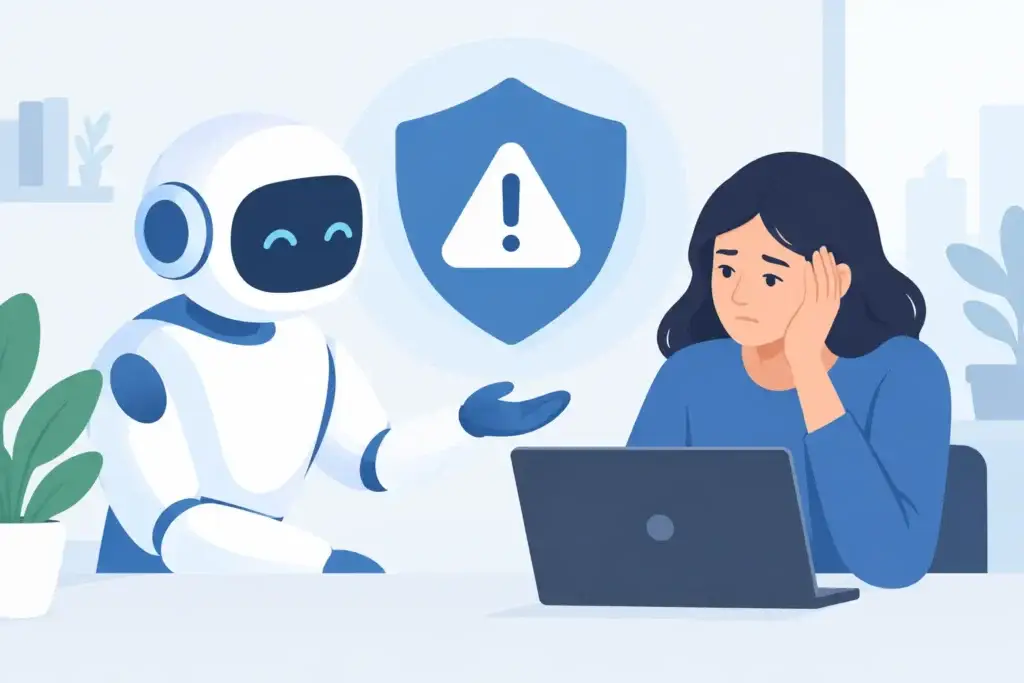
The best safety tools are clear about their limits. They can help notify trusted contacts. They cannot guarantee that a message will be delivered, that someone will see it immediately, or that help will arrive in time. They cannot assess every situation correctly, and they are not a replacement for calling 911 or local emergency services when immediate danger is present.
That distinction is not legal fine print. It is respect. People deserve safety features that are useful without being oversold.
Cell service, battery level, location permissions, and device settings all affect whether an alert can work. A phone with no service may not send anything. Location sharing can be less precise indoors or in remote areas. On some devices, operating system rules can limit what an app can do in the background. iPhone and Android behavior may differ, especially around voice activation and messaging permissions.
A responsible alert feature tells you these things before you rely on it. It should also make room for a simple truth: if you are in immediate danger, use the fastest available route to emergency help.
Set up AI safety alerts before you need them
A safety feature is only helpful when it has been configured while you are calm. Treat setup as a small act of care for your future self, not as an invitation to live in fear.
Start by choosing contacts who understand what an alert from you means. A good contact is not merely someone whose number you have. They should be likely to notice, able to respond, and aware of what you want them to do. For one person, that may mean calling immediately. For another, it may mean checking your location and staying on the phone with you.
Before relying on an alert, take time to do the following:
- Choose two or more trusted contacts, rather than depending on one person who may be asleep, driving, or unavailable.
- Write a short message that is direct and easy to understand, such as: “I do not feel safe. Please call me and check my location.”
- Review whether location sharing is enabled and whether the app has the permissions it needs.
- Test the alert in a safe setting, with your contacts expecting the test.
- Keep your phone charged and consider a backup battery if you are often out for long periods.
Testing can feel awkward, but it removes uncertainty. You will learn how the alert sounds, what information recipients receive, and whether your contacts recognize the message quickly. You may also discover that a phrase, trigger, or recipient list needs to change.
Privacy is part of personal safety
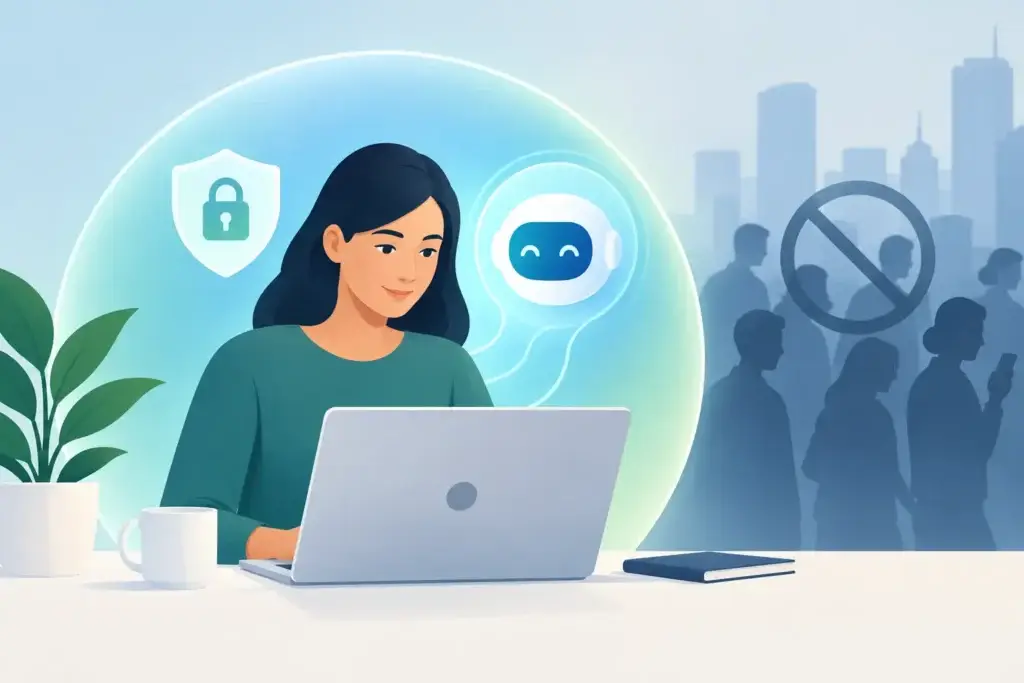
Safety tools often ask for sensitive access: your location, contact list, microphone, and messages. That can create a painful trade-off. A feature meant to help you feel safer should not quietly become another way your most personal information is collected, profiled, or sold.
Before enabling any alert tool, ask practical questions. Where is your location data stored? Is it kept after an alert ends? Who can access it? Can you remove contacts or delete information easily? Does the company use your activity to build advertising profiles or train systems you did not agree to support?
There is no single answer that fits every app. Some people may be comfortable with cloud-based convenience. Others may want the strongest possible separation between private life and company servers. What matters is that the choice is real, understandable, and yours.
MyPal approaches this with a simple principle: your conversations are yours alone. Its Silent Alert tool is designed to help Confidant subscribers discreetly notify trusted contacts and share location as part of a broader personal safety plan, while the app’s personal memories remain under user control and stored on the device. Like any mobile safety feature, Silent Alert depends on appropriate permissions, available cell service, and your phone’s operating system. It is not emergency services.
The human plan still matters
Technology works best when it supports your judgment instead of replacing it. If a person, route, or situation makes you uncomfortable, you do not need courtroom-level proof to leave, call someone, change plans, or seek a public place. Feeling uneasy is enough reason to take yourself seriously.
It can help to decide in advance what you will do in common situations. If you are meeting a new person, tell a friend where you will be and when you expect to be home. If you are traveling alone, share your itinerary with someone you trust. If you are dealing with harassment or a controlling relationship, consider which contacts and devices are actually safe to use. In some situations, location sharing could create risk if the wrong person has access.
That last point deserves care. Safety is personal. An alert setup that feels reassuring for one person may be unsafe for someone whose phone is monitored, whose accounts are shared, or whose trusted circle is limited. Review connected accounts, notification previews, lock-screen access, and who knows your passcode. If you use biometric protection, make sure it is configured in a way that feels right for your circumstances.
When an alert is not enough
If you believe you are in immediate danger, contact 911 or your local emergency number if you can. If speaking out loud is not safe, use the emergency features available on your phone or get to a place with other people. If you are worried about a friend, do not assume an alert message tells the whole story. Call them, try another trusted contact, and contact emergency services when the situation calls for it.
For ongoing fear, stalking, abuse, or coercive control, a quick-alert tool can be one useful piece of a larger plan, but it should not carry the whole burden. Trusted people, local advocacy resources, medical support, legal guidance, and emergency services may all have a role depending on what is happening.
A good safety alert does not ask you to hand your safety over to an app. It gives you one less thing to manage when your hands are shaking, then helps you reach the people who have chosen to stand with you.